| ||||
|
// WHAT’S NEW · SUMMER 2026
The Polish QNAP Forum has grown.
| ||||
⚡ “Quick question?” — an answer in ~5 minutesA green button right on the homepage. Ask a question and an AI assistant — grounded in the Polish QNAP manuals and the forum’s own knowledge — posts an initial answer within minutes. The community fills in the rest. 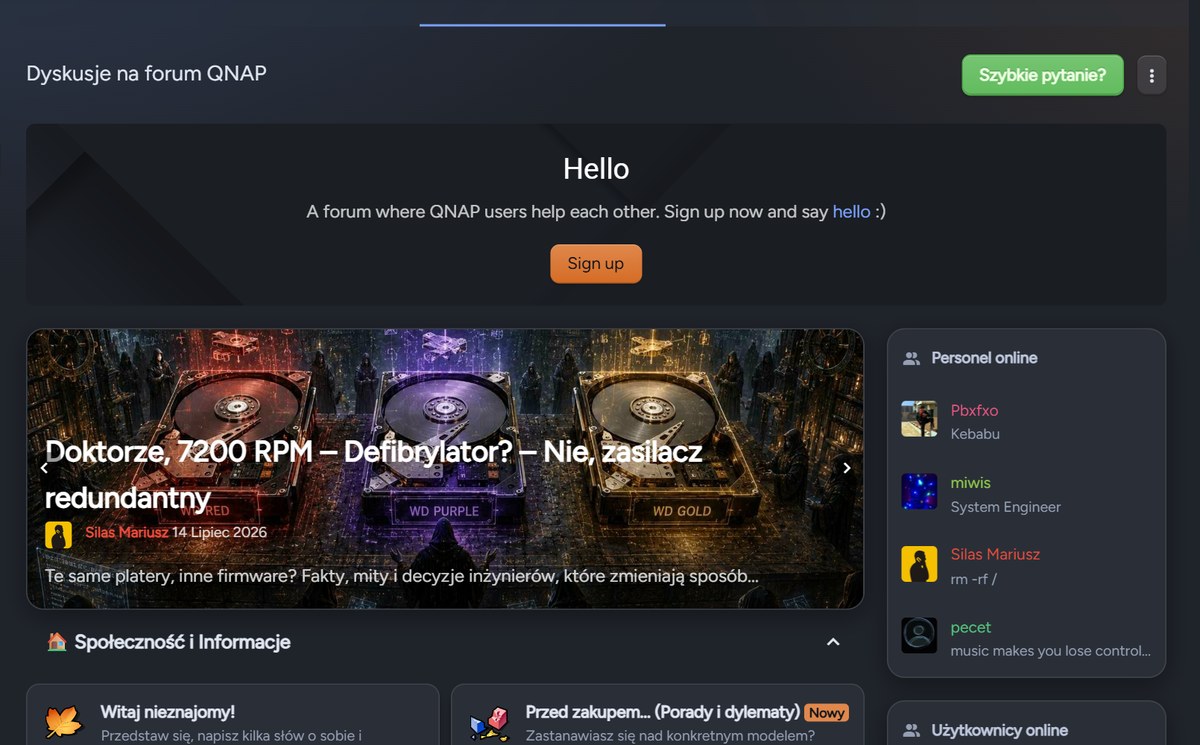
| ||||
🔍 New search engine — it understands PolishUnder the hood runs Elasticsearch with Polish morphology analysis and synonyms learned from real user questions. Live suggestions, typo-tolerant hits. The “QNAP Help” guide shows the fastest route to a solution: 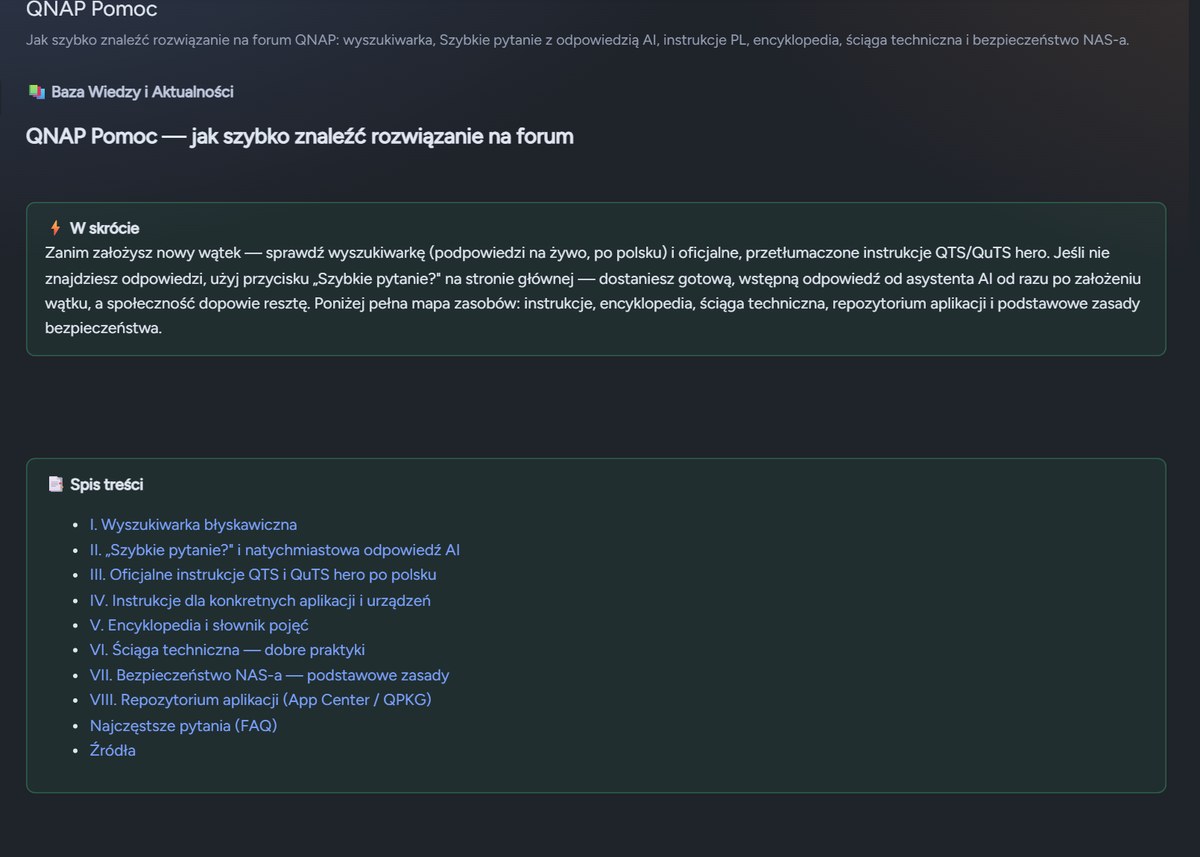
| ||||
📚 Complete QNAP manuals in PolishQTS 5.2, QuTS hero h6.0, QuRouter 2.6, HBS, QuMagie, Qfile, QSS, QuWAN and more — the official user guides translated into Polish, chapter by chapter, with screenshots and tables of contents. 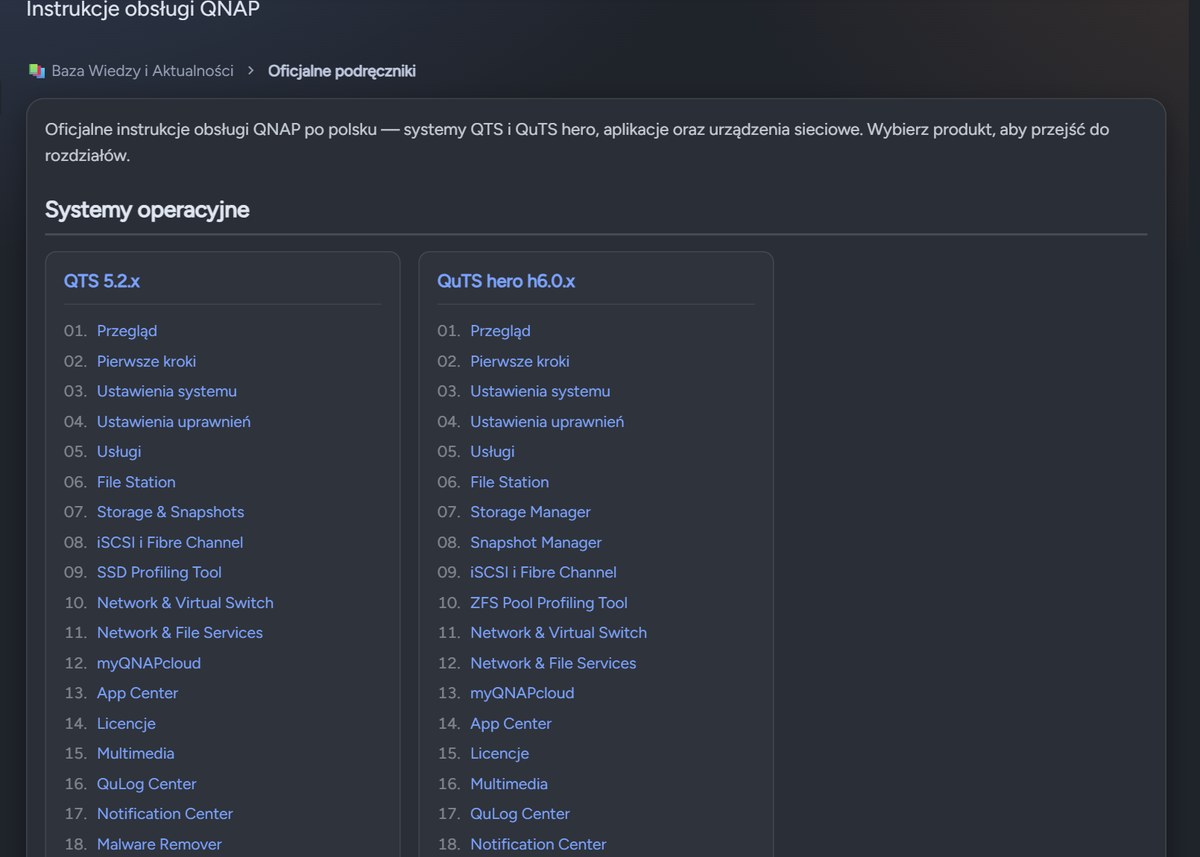
| ||||
📖 QNAP / NAS glossary — 428 termsFrom storage pools to WireGuard and SD-WAN — every entry in Polish and English, with QNAP-specific context and live search. Networking terms from the QuRouter line have just landed. 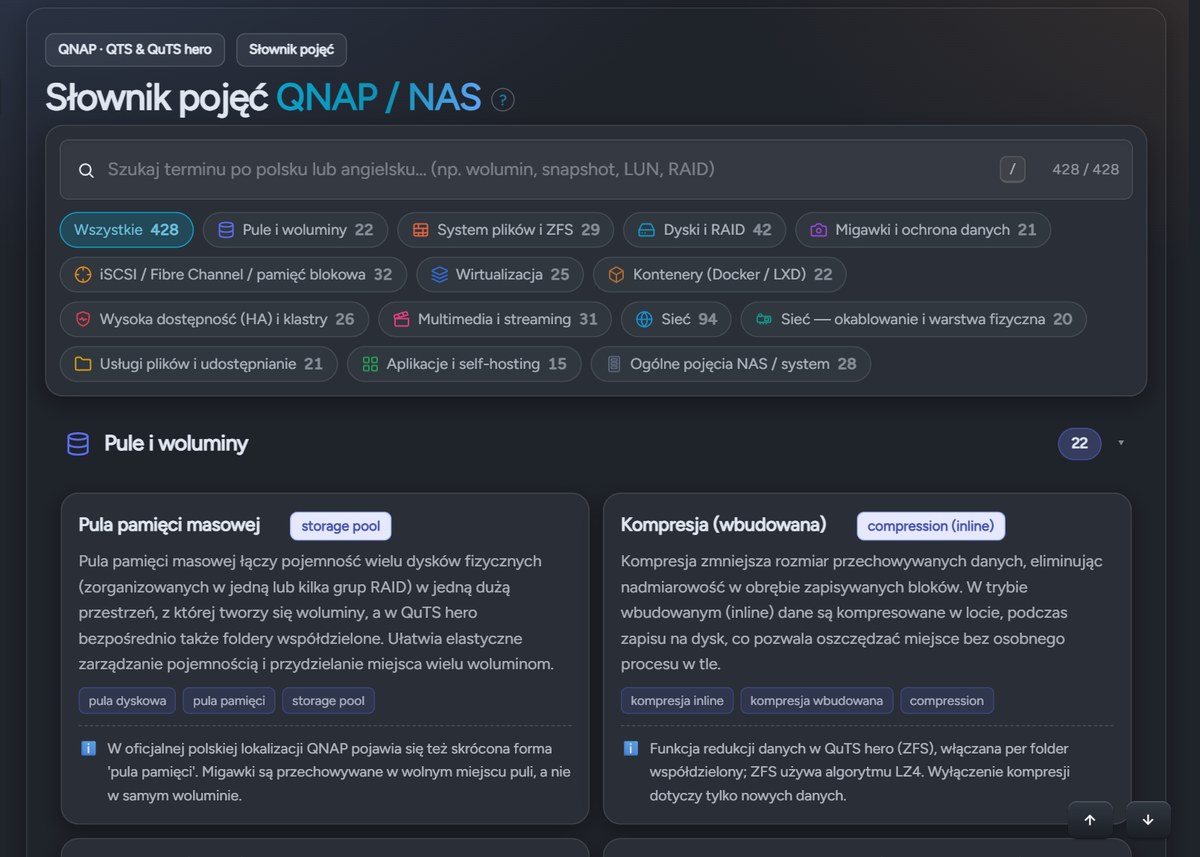
| ||||
🧭 Encyclopedia — the technical cheat sheetA visual atlas of QNAP internals: the QTS block stack, ZFS in QuTS hero, router network topology (WAN · VLAN · DMZ · VPN), RJ45 cabling, drive types, SMART, RAM and caching. Ten infographic sections verified against the documentation. 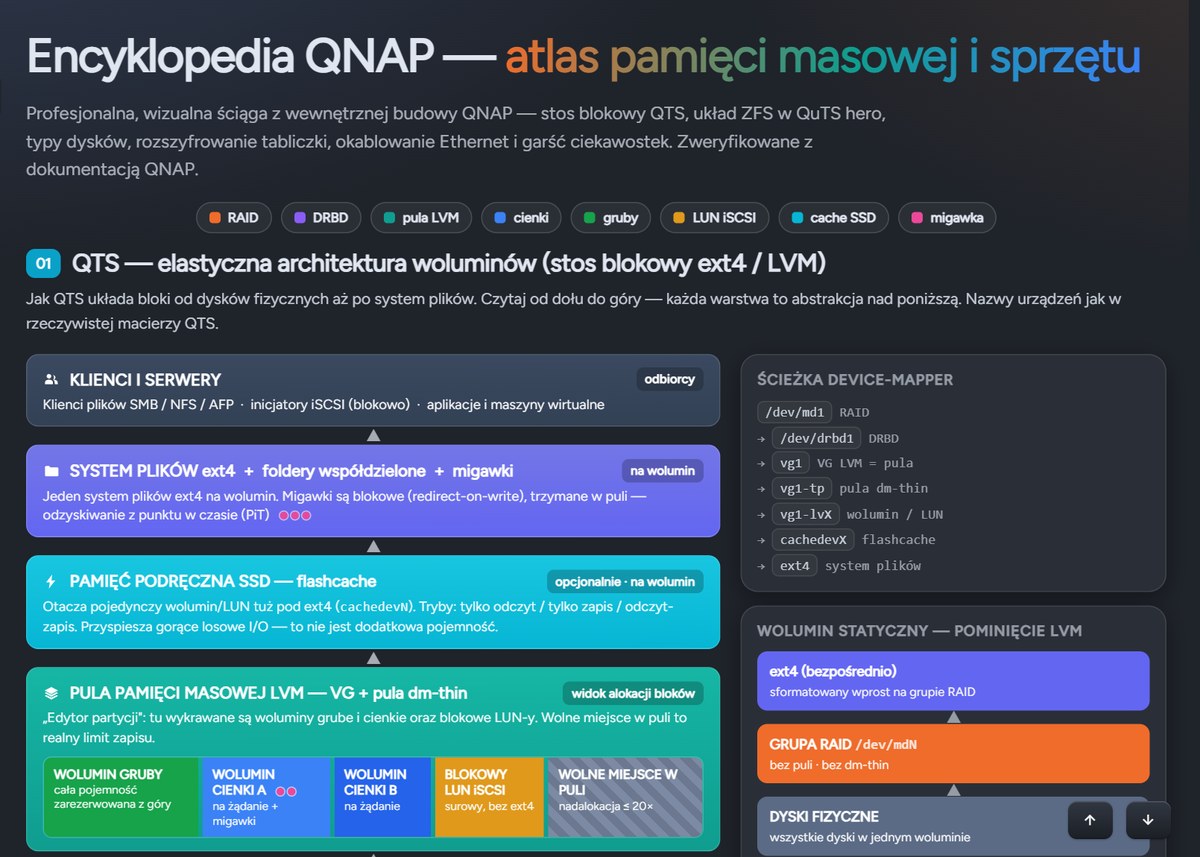
| ||||
📰 Three new deep-dive articles on drives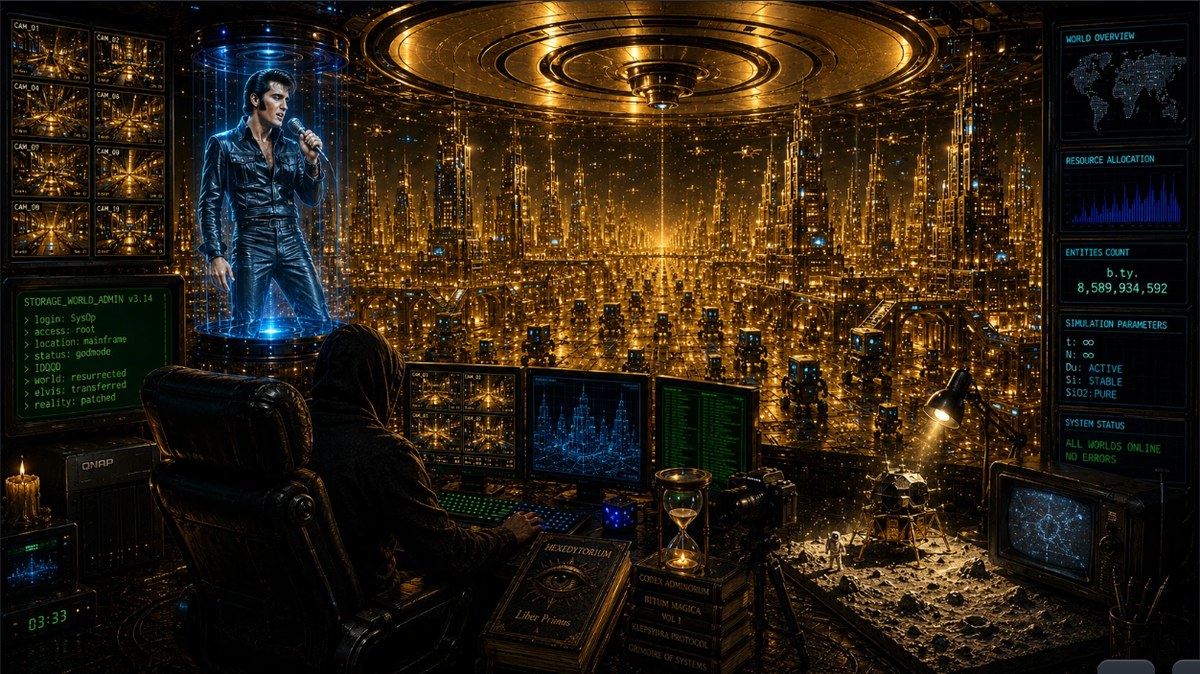
Same platters, different firmware — facts, myths and the engineering decisions that change how you look at hard drives. | ||||
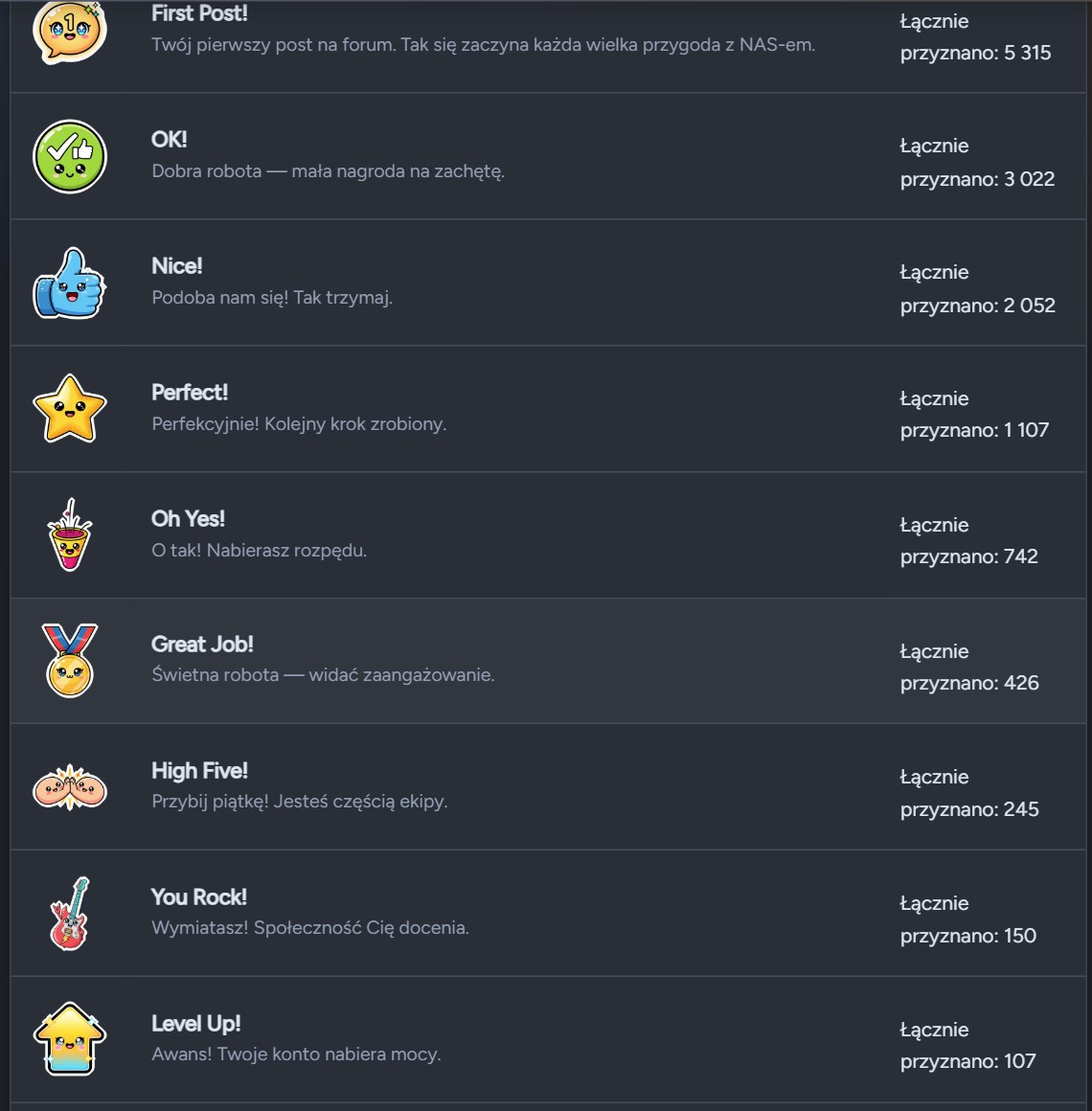
🏆 Badges — the forum now rewards you
| ||||
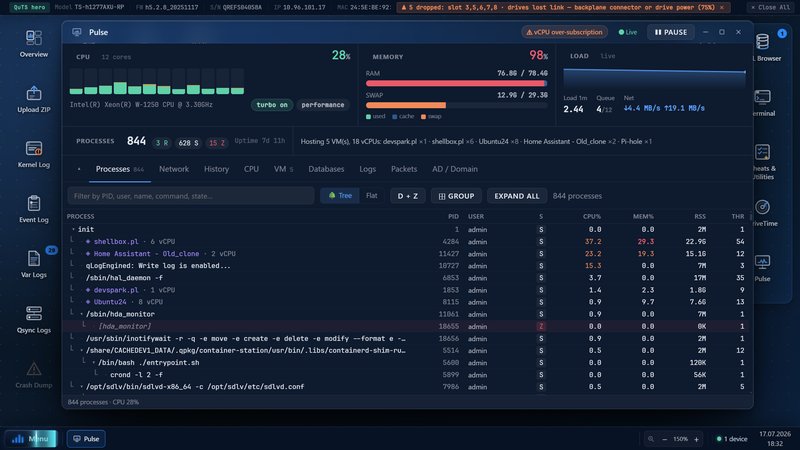
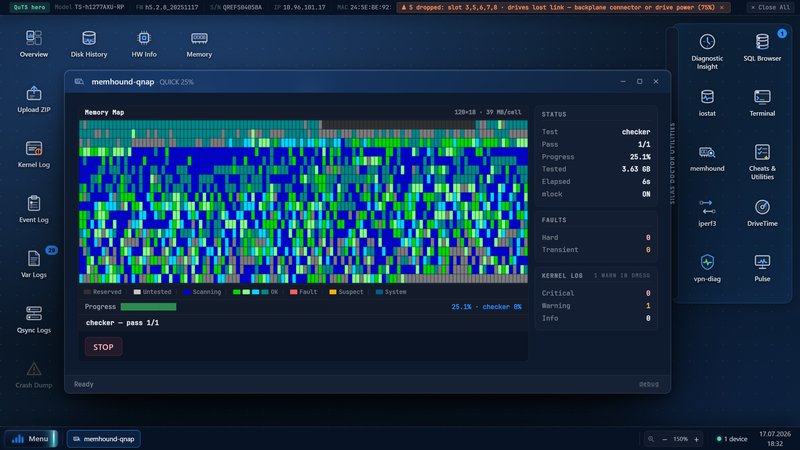
🪛 StorageDiag Utilities — inspect your NAS from the insideA Linux-grade QPKG toolkit: RAM testing (memhound), SMART/FARM with attribute history, drive-authenticity verification, a process monitor (Pulse), a network traffic analyzer and benchmarks. All from your browser.
| ||||
🔬 SDLV online — upload logs, get a diagnosisUpload a QNAP diagnostic ZIP to sdlv.qnap.net.pl and the analyzer takes it apart: dmesg, SMART, LVM/ZFS, memory, snapshots, disk history. No installation. Note: per-IP limits apply and uploaded logs are automatically deleted after 10 minutes. 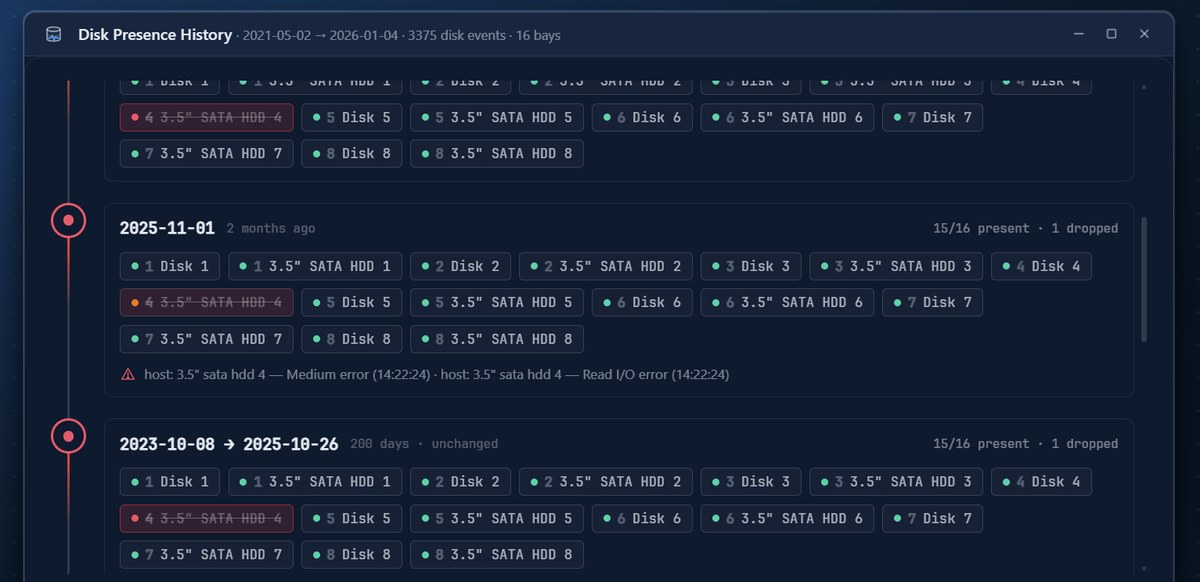
| ||||
🎨 New themes — from Graphite to DraculaNearly 30 looks to choose from: the Dark v2 family (Graphite, Nord, Tokyo Night, Solarized, Dracula, Ayu…), Insane variants and refreshed light themes. Switch with one click in the forum footer or your preferences. 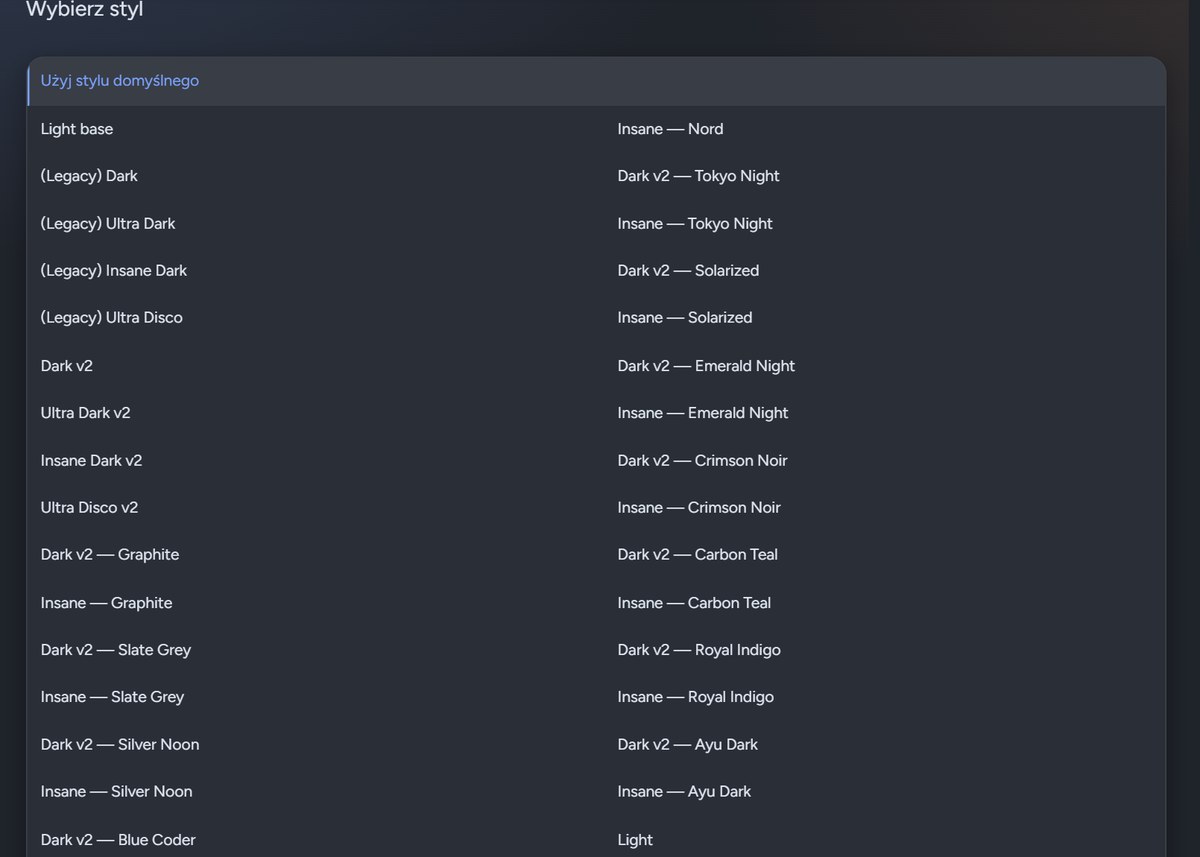
| ||||
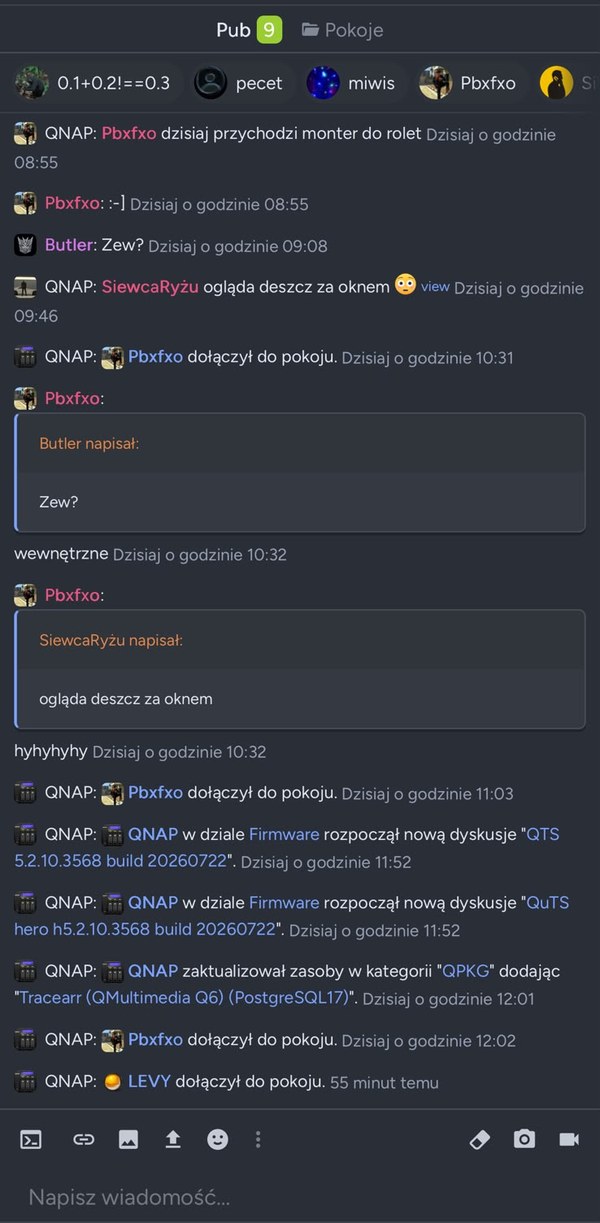
💬 Chat & mobile app — for active members
| ||||
|
Visit the QNAP Forum
forum.qnap.net.pl · a community since 2008
|