| |||
|
// RTORRENT 16 · QTS 6 / QuTS hero
rtorrent 0.16, built from source,
| |||
| |||
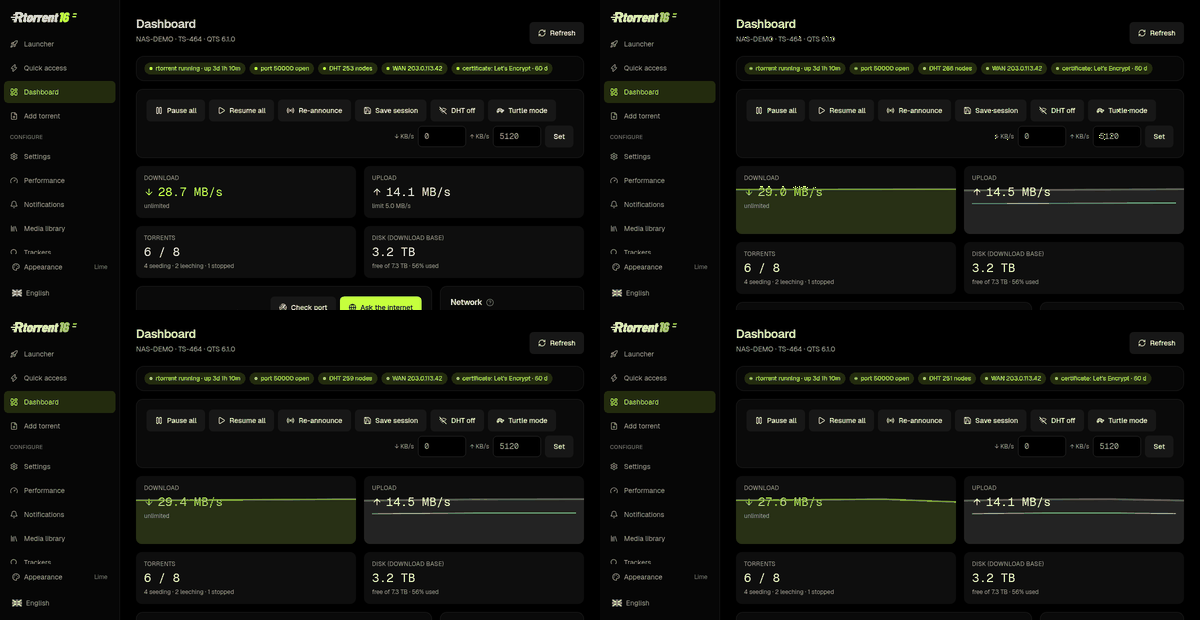
📈 One page that answers “is it working?”Rates, torrent counts, disk left, and a port check that walks the whole path — something listening here, the router’s mapping, a connection from outside, IPv6 — each step passing or failing on its own line. No more guessing which half is broken. 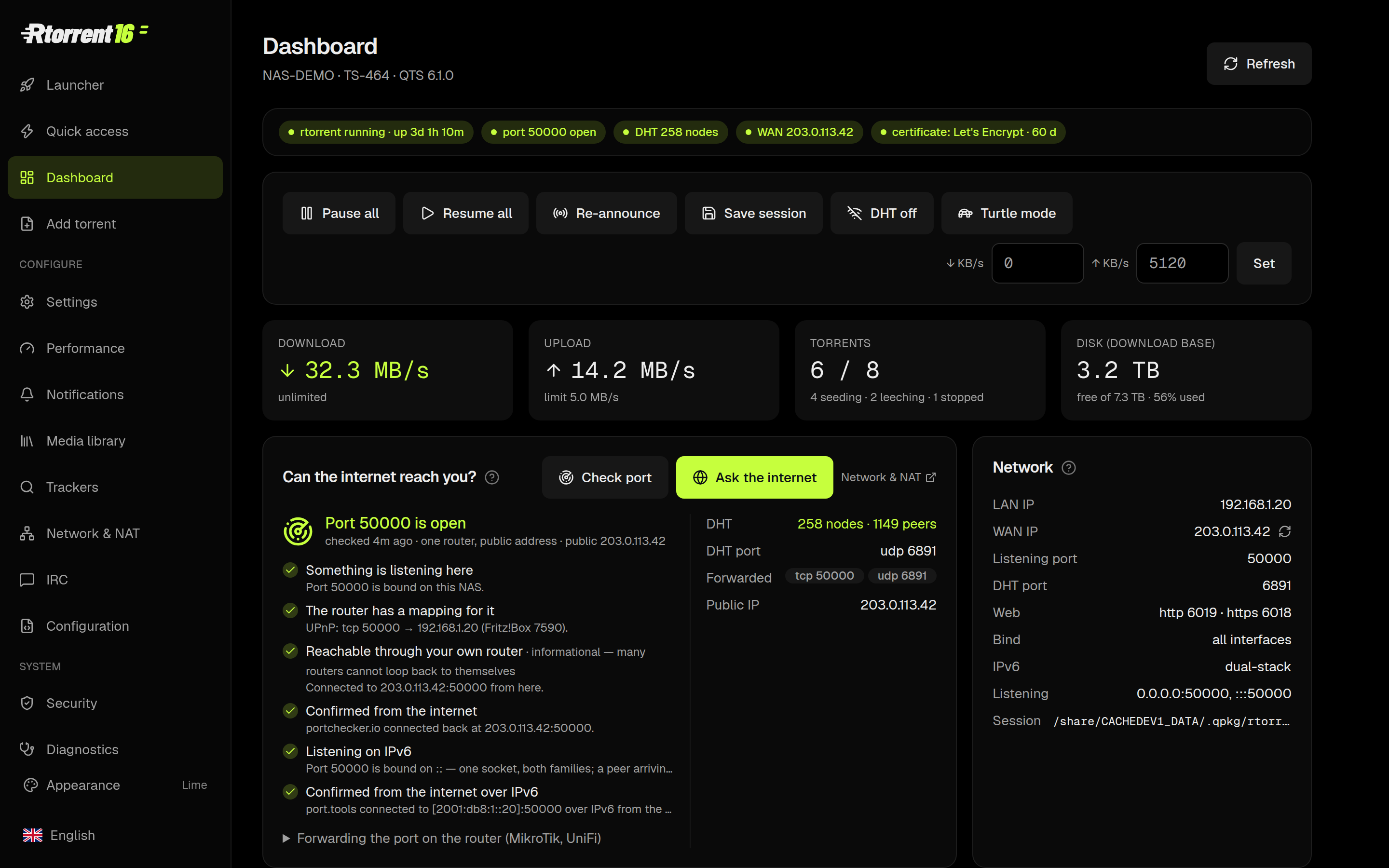
| |||
⚡ Quick access — the list, without the weightStart, pause, trash, re-announce, set a label. ruTorrent is still there for everything else, one click away; this is the page for the ninety per cent of days when you only want to see what is arriving. 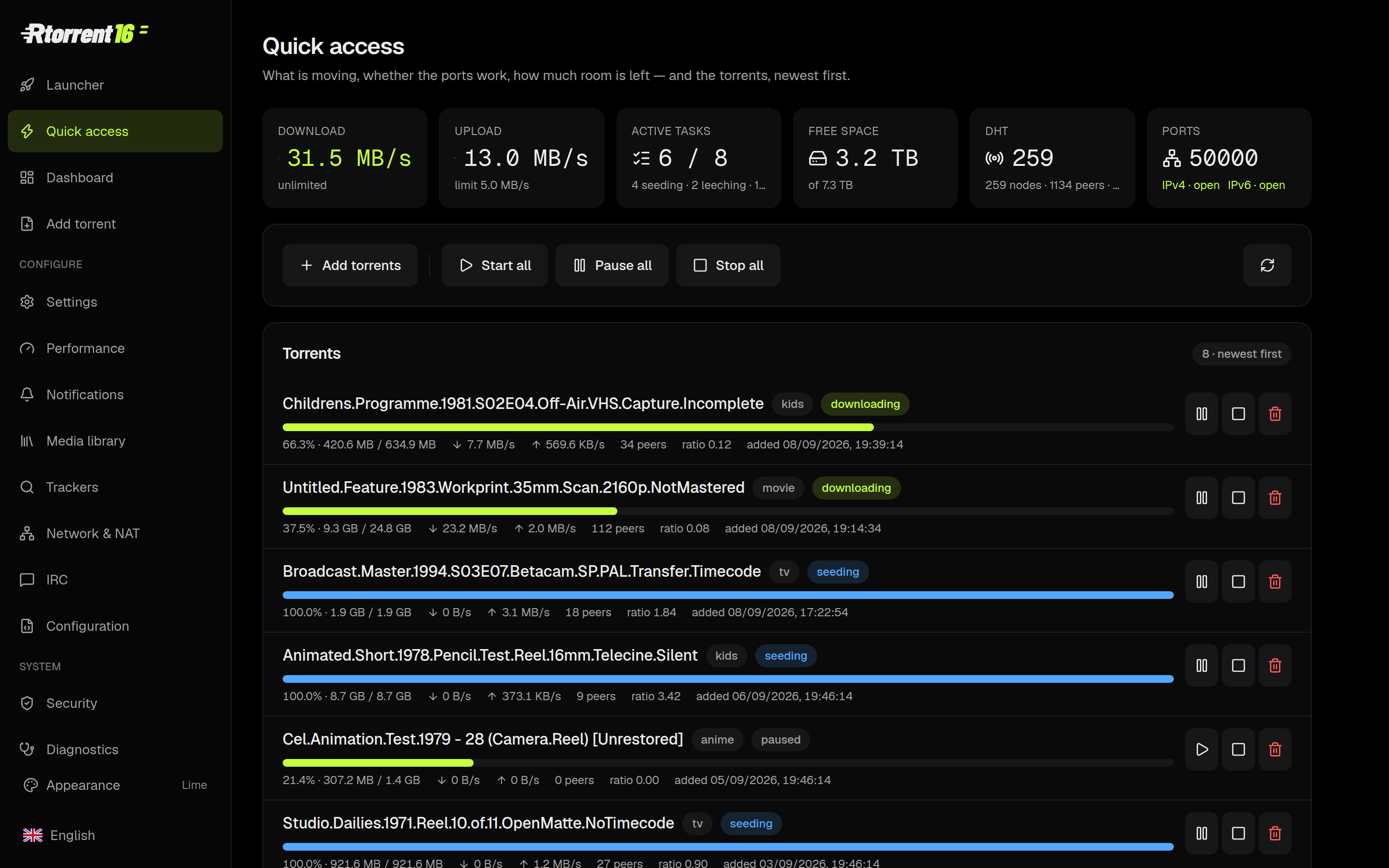
| |||
📁 Drop a .torrent in, it works out where it goesThe Add page reads the name and picks the category — film, series, kids, music, game — and the label decides the folder. Magnets, files, RSS from ruTorrent, or a watch folder per label: four ways in, one place they land. 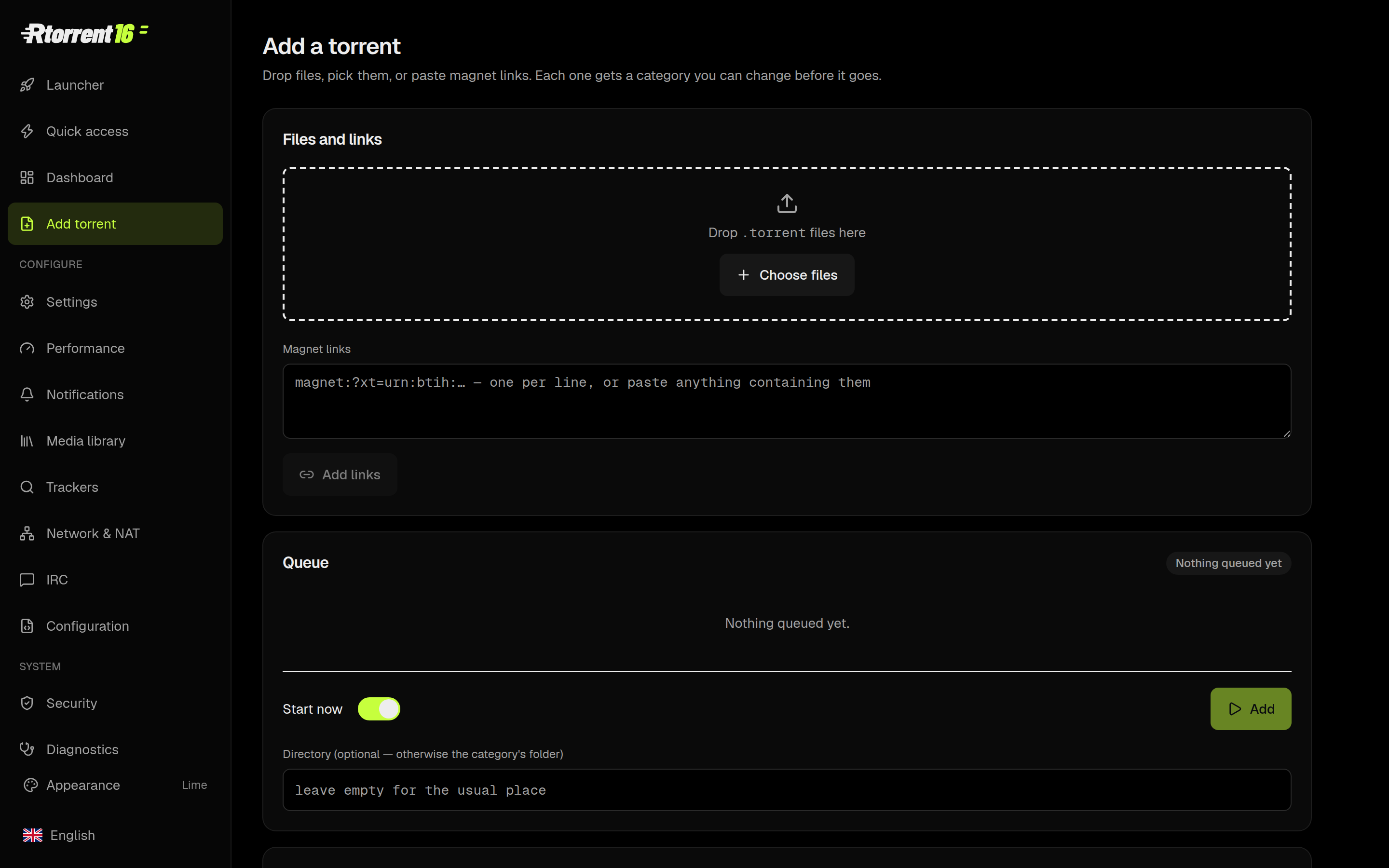
| |||
🎬 A media library that says what it will do, before it does itDownloads → finished → library, drawn as it actually happens, with the room left on each volume and the verdict for every hop: hardlink when one volume, copy when two, move when you asked for a move. FileBot renames and fetches the artwork; Plex, Kodi, Jellyfin and Emby get a nudge afterwards. 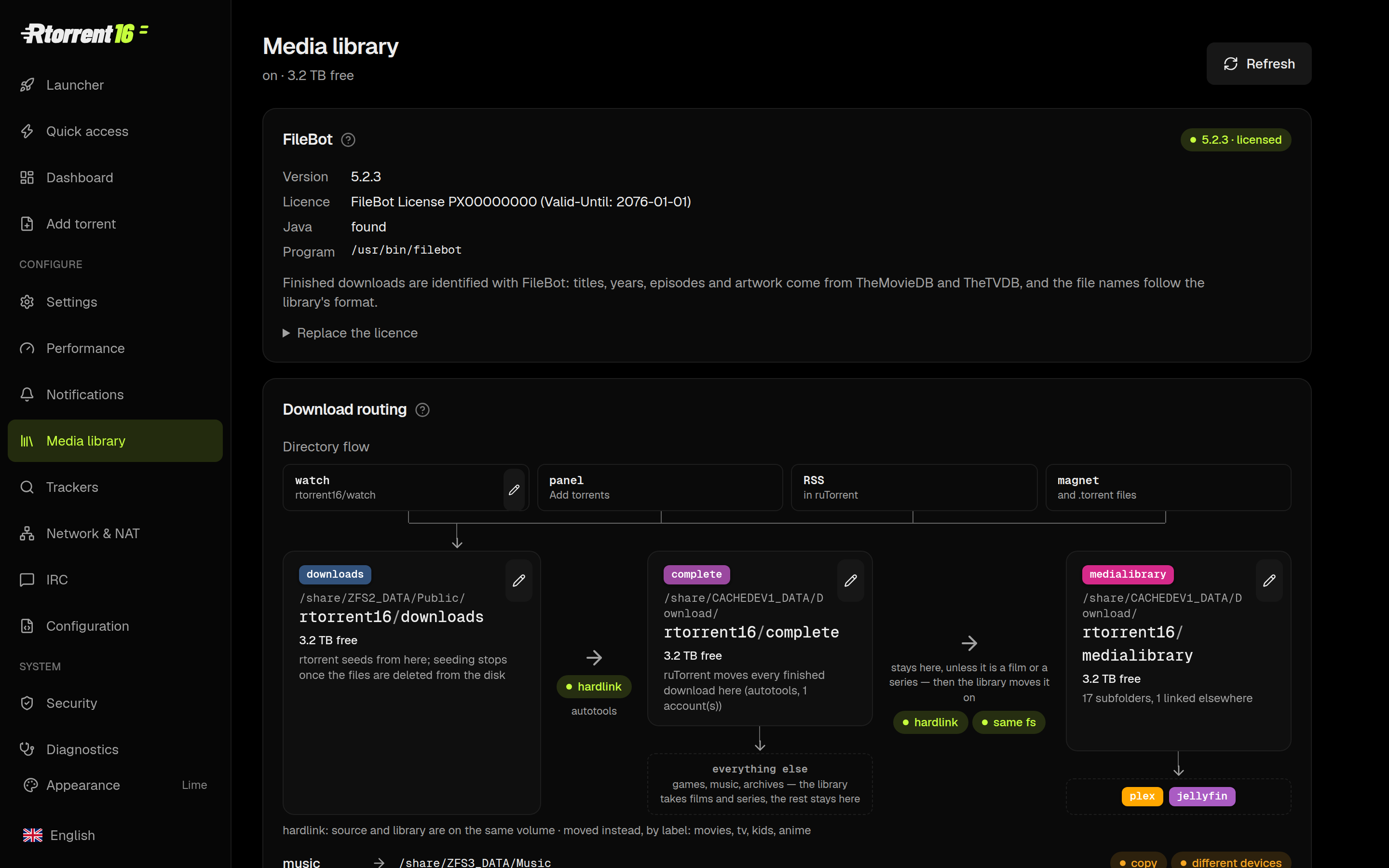
| |||
🔍 Ask your trackers in plain languagePolishTracker, TorrentLeech, any UNIT3D site, anything Jackett indexes. Type “latest Stranger Things” — in English or in Polish — and it works out that you mean the newest episode, ranks what came back, and puts the one you pick on the NAS. The credentials stay in a 0600 file on your own NAS. 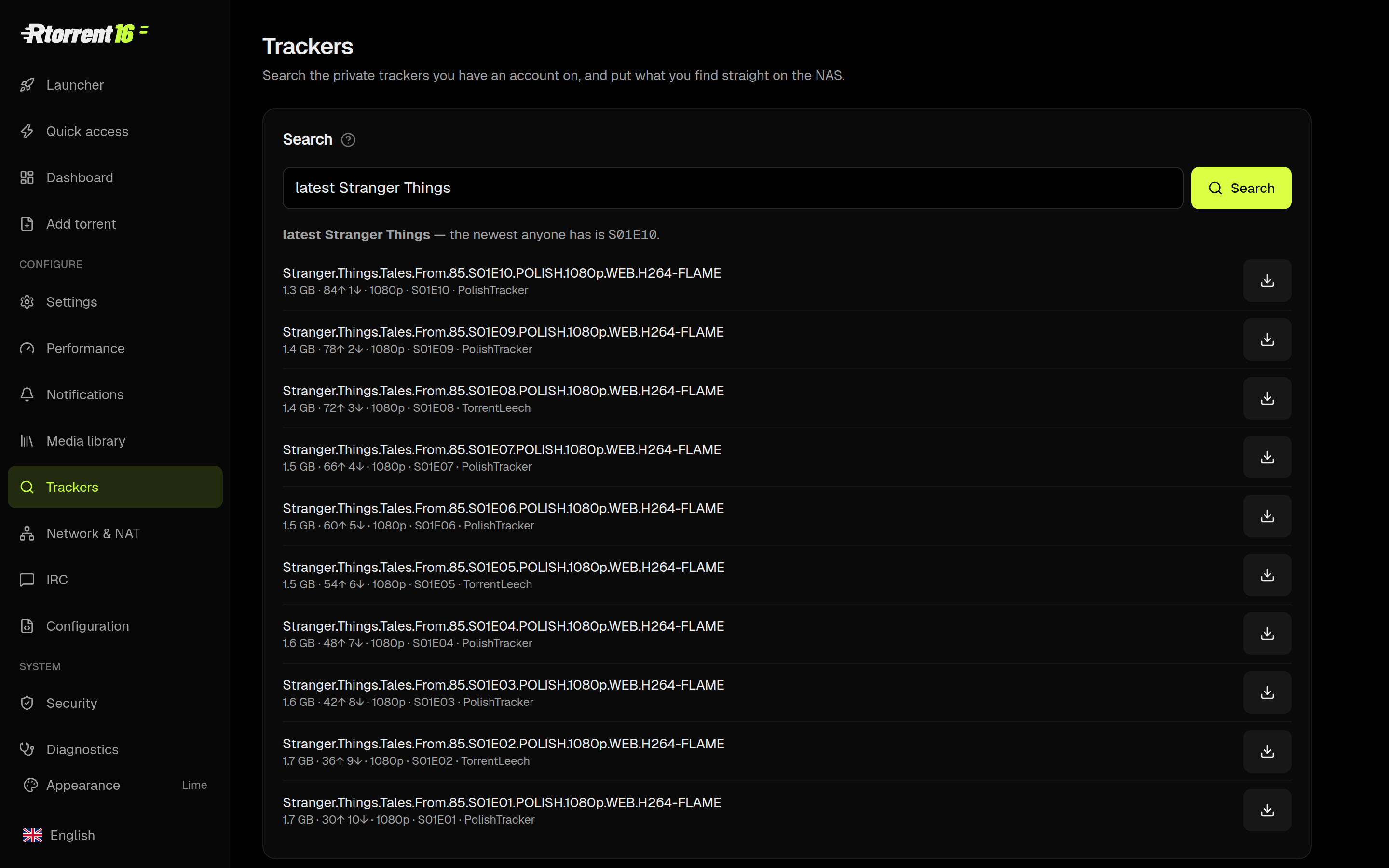
| |||
📱 A notification that is worth readingWhen a film lands you get the poster, the resolution, HDR, the running time, the size and the audio and subtitle languages — as one message, on WhatsApp, Telegram, Discord, Signal, ntfy, Gotify, Matrix, e-mail and a dozen more. The WhatsApp bot answers back: status, eta, “get 1-10”. 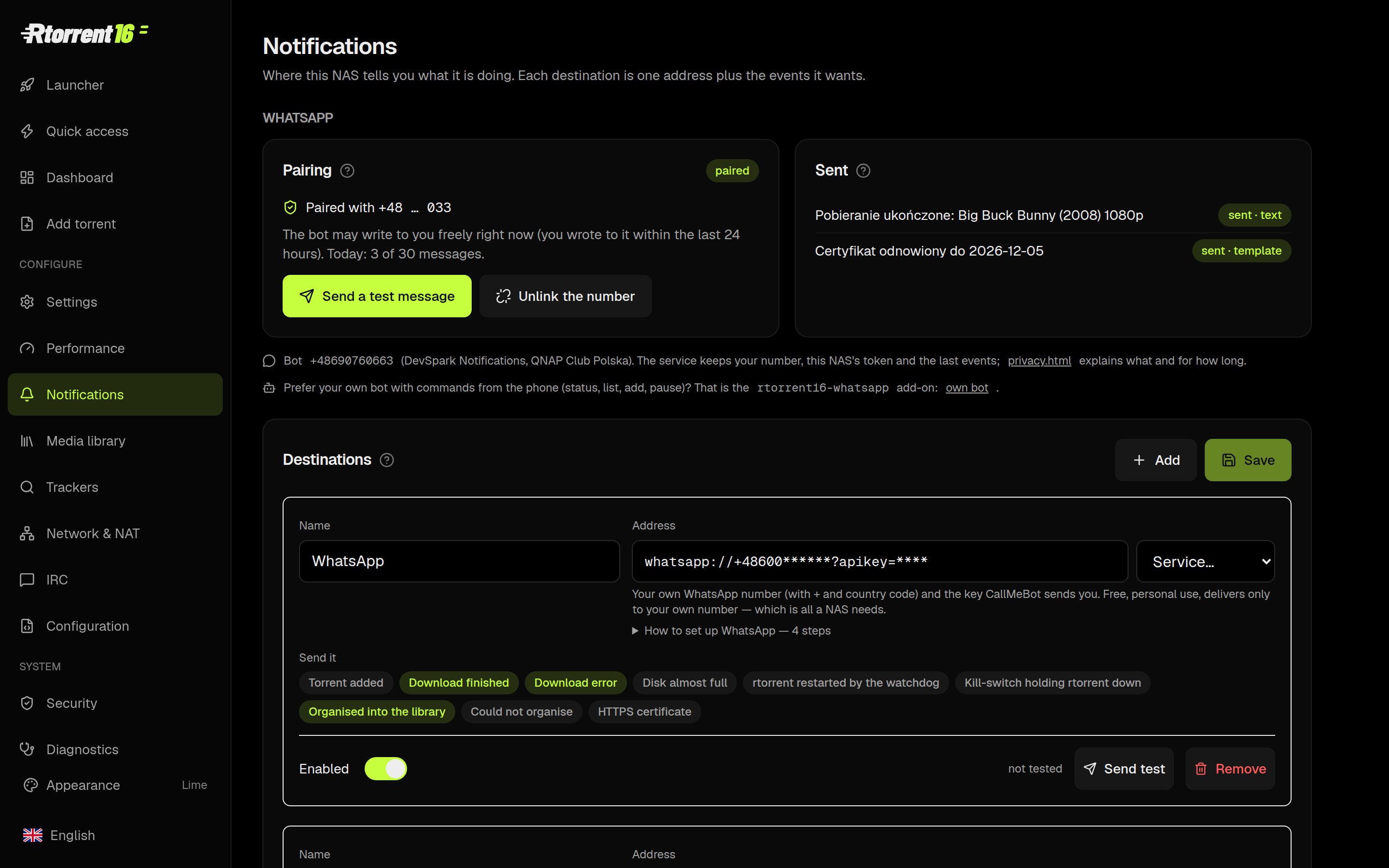
| |||
💾 Backups you can see — and put backTwo copies a day, neither of them data: the torrent list (which torrents exist) and the configuration (settings, the panel password, tracker credentials, rc drop-ins, the certificate). Restore any single day from the panel. The configuration copy is 0600, because it holds secrets. 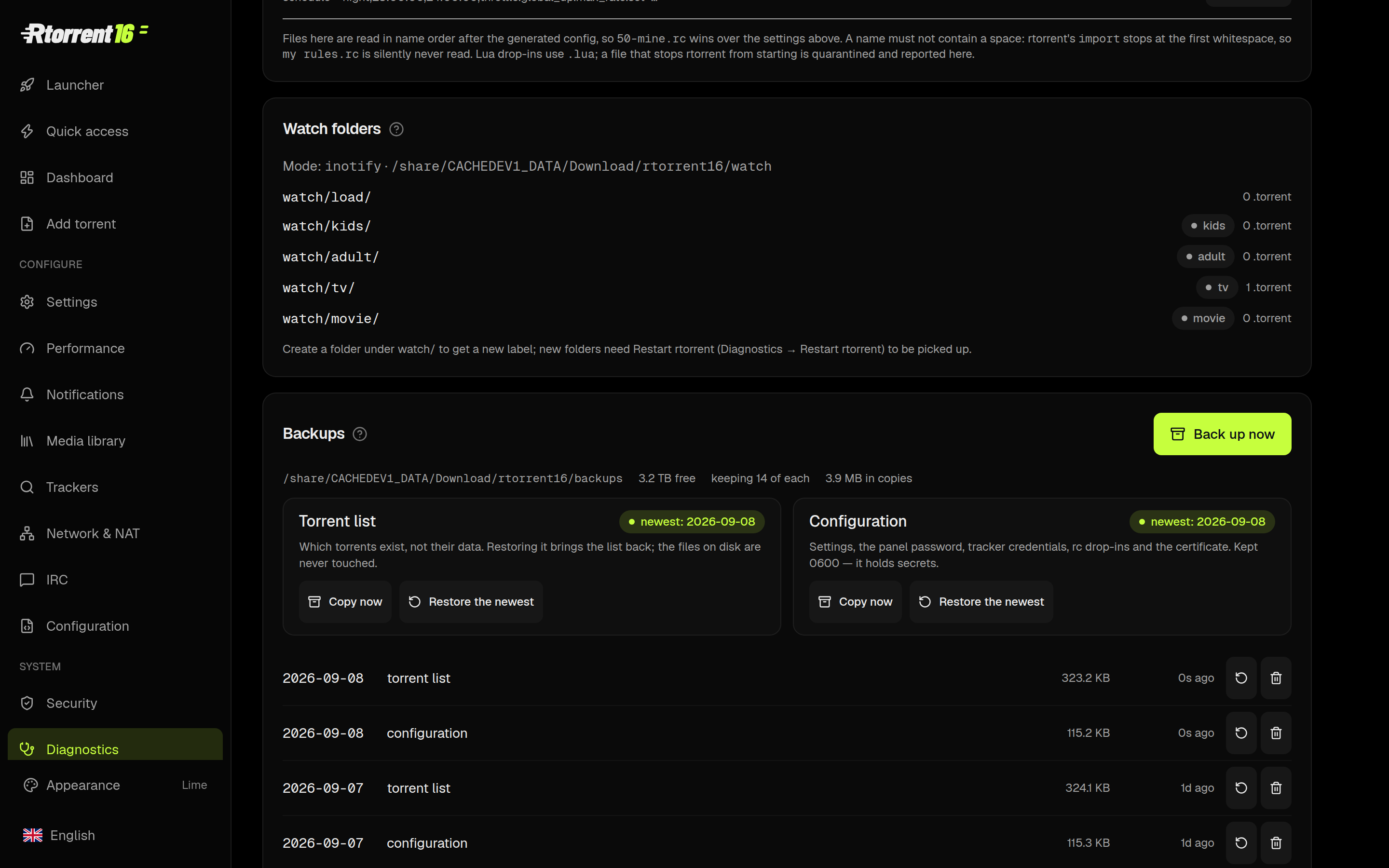
| |||
🔥 A performance wizard that measures your NASIt runs the disk and the network, reads the result against what this box actually has, and offers the settings that follow from it — with the cost of each written next to it. Nothing is applied behind your back. 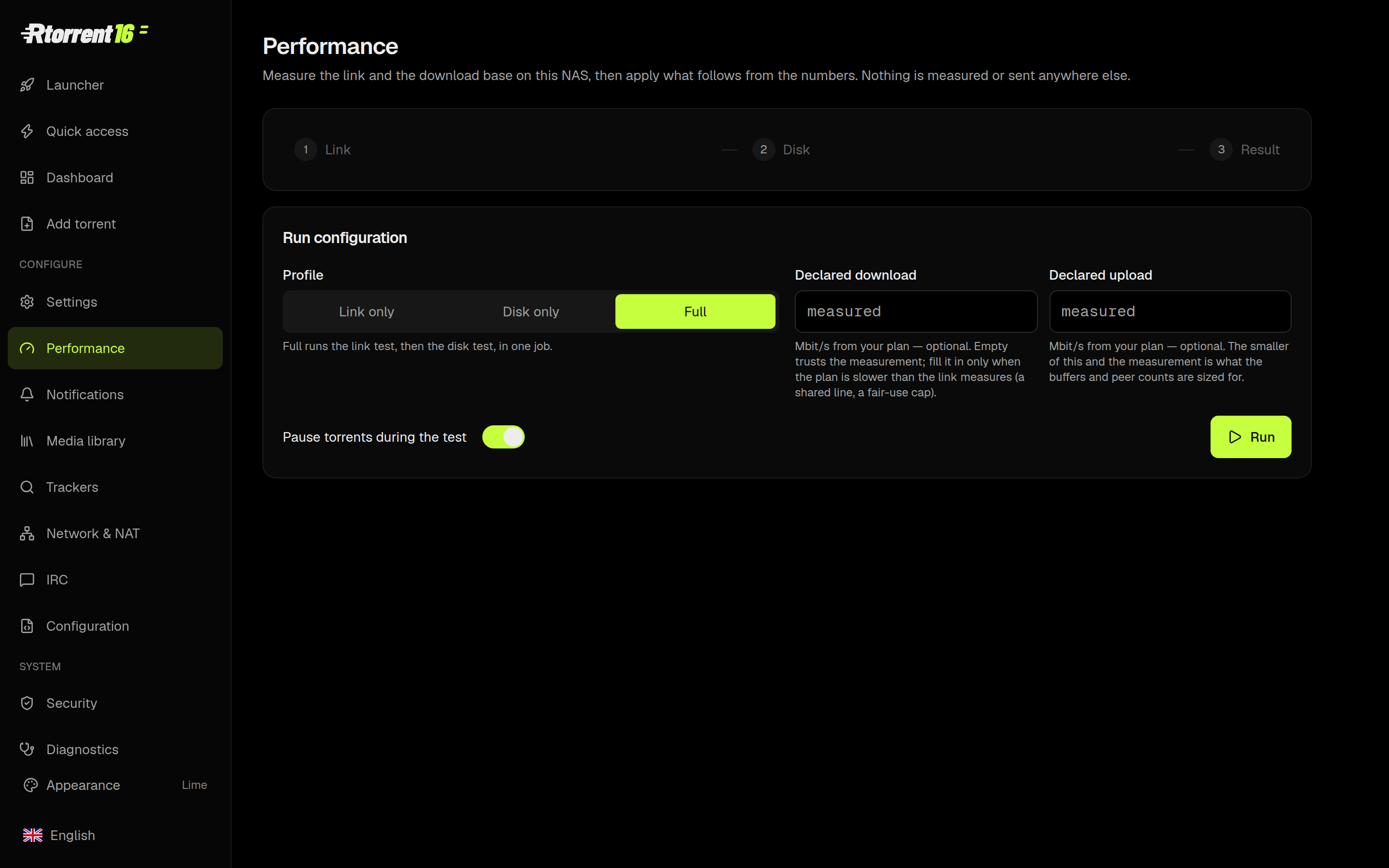
| |||
🌐 Network & NAT, told straightEvery port with its mapping, who mapped it, and whether the internet can see it. UPnP and NAT-PMP are asked at every start — and when the router says no, the panel quotes the router rather than telling you to switch on a switch that is already on. 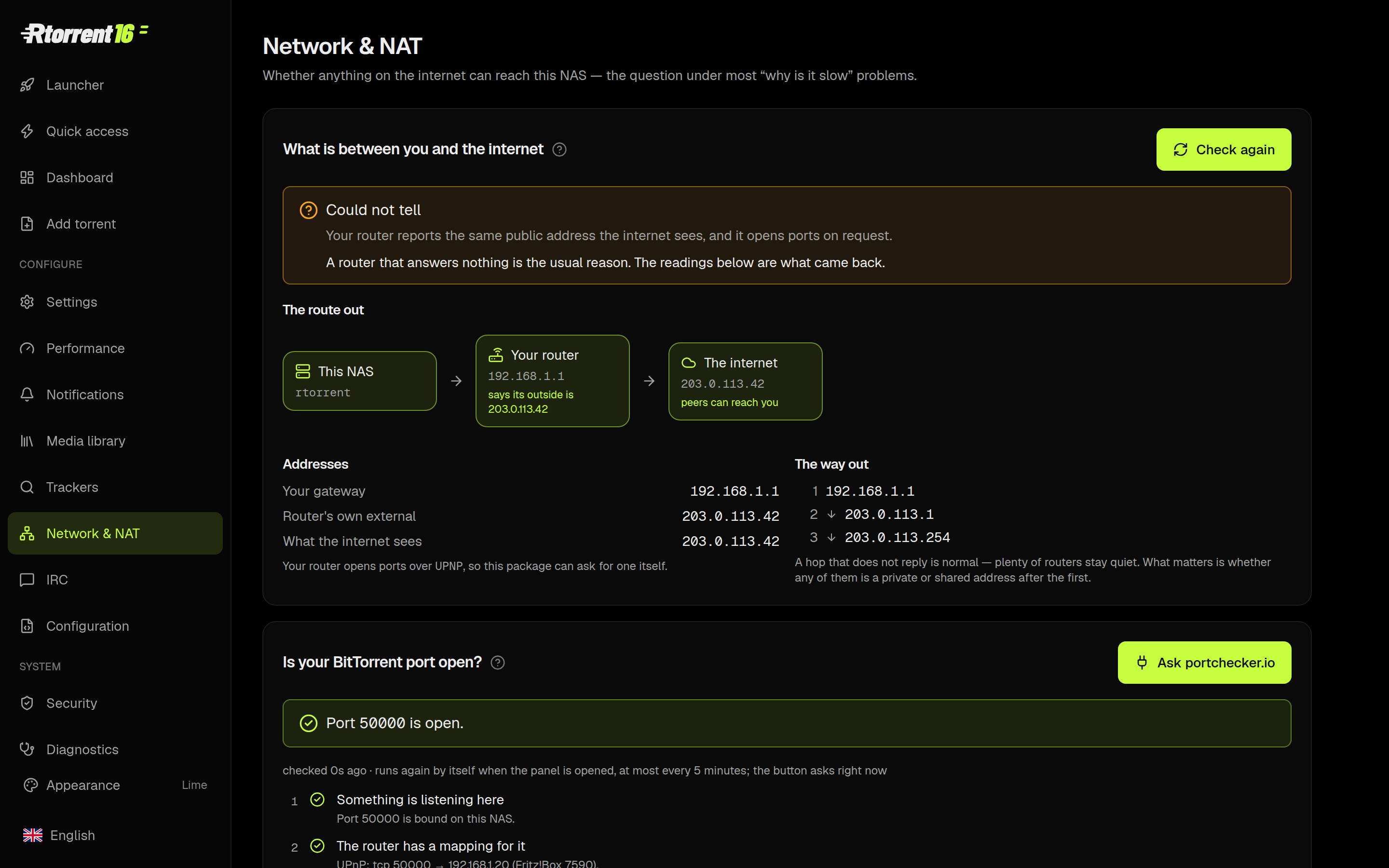
| |||
⚙️ 116 settings, nine languages, and the manual inside the panelEvery setting has a sentence explaining what it costs, the ones that need a restart say so, and the panel speaks English, Polish, German, French, Italian, Dutch, Swedish, Japanese and Traditional Chinese. The guides are in the panel, not on a wiki somewhere. 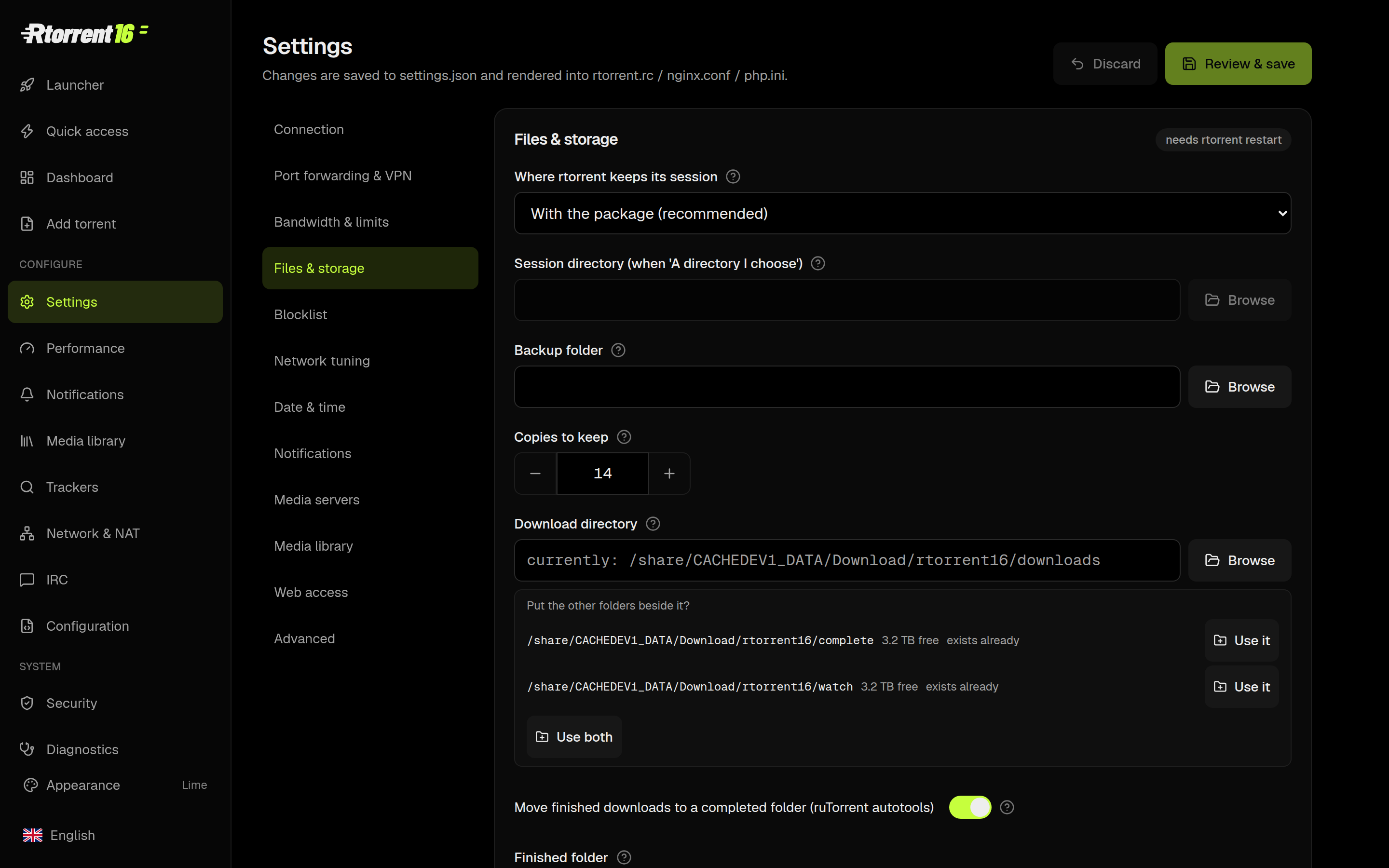
| |||
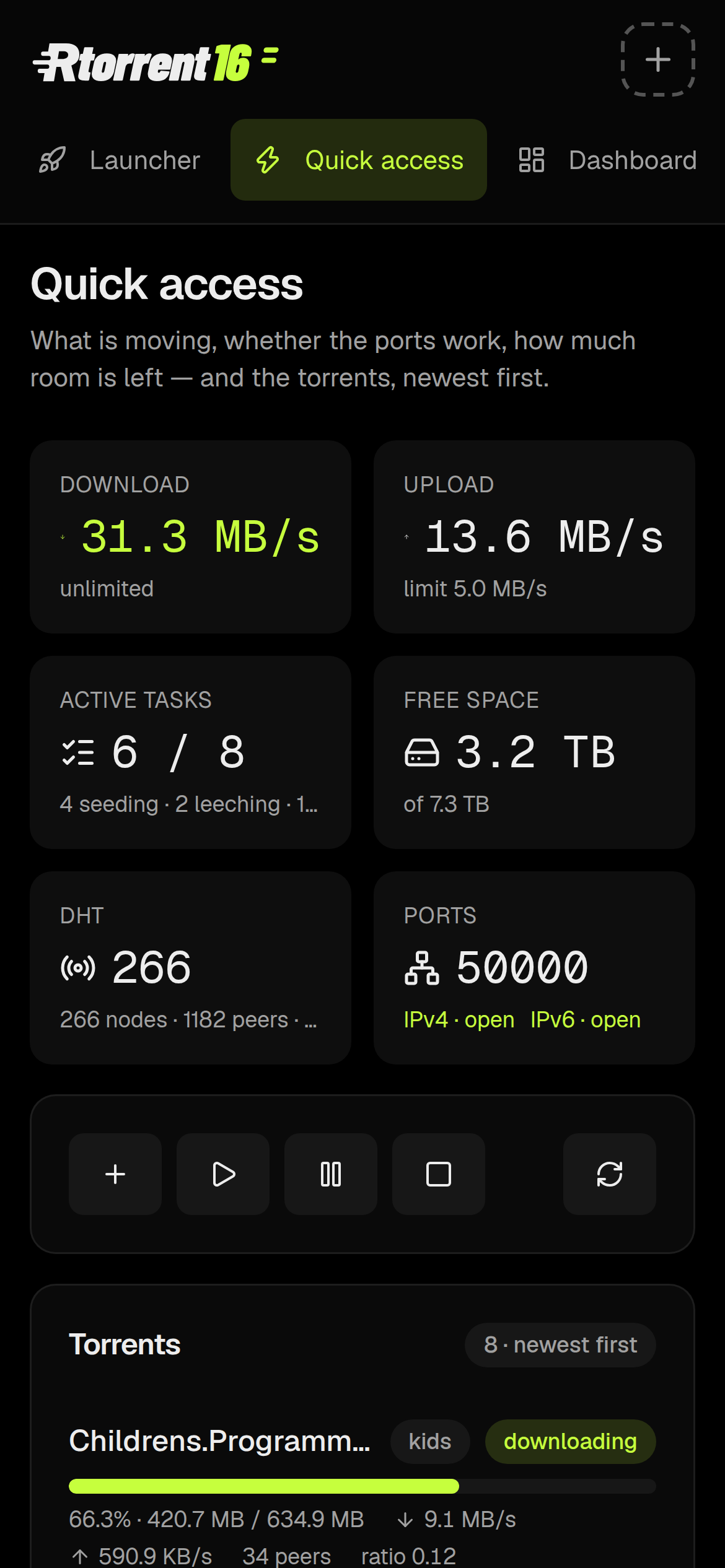
📲 It is a phone app too
| |||
📥 Get itOne file, installed from App Center → Install Manually. QTS 6.x or QuTS hero h5.2+ (glibc 2.39), x86_64 or arm_64. The add-ons — autobrr, slskd, an IRC bouncer, a WhatsApp bot, Linkwarden — are separate packages that plug into it. Those two links always point at the current build. Checksums: SHA256SUMS. | |||
|
Ask on the QNAP Forum
forum.qnap.net.pl · a community since 2008
|